Scroll
See the whole race at once.
F1's live timing on your laptop: where every car is, the gaps between them and how your driver is doing. Then every lap to pick apart once the flag falls.
The pill
Live timing on top of F1 TV.
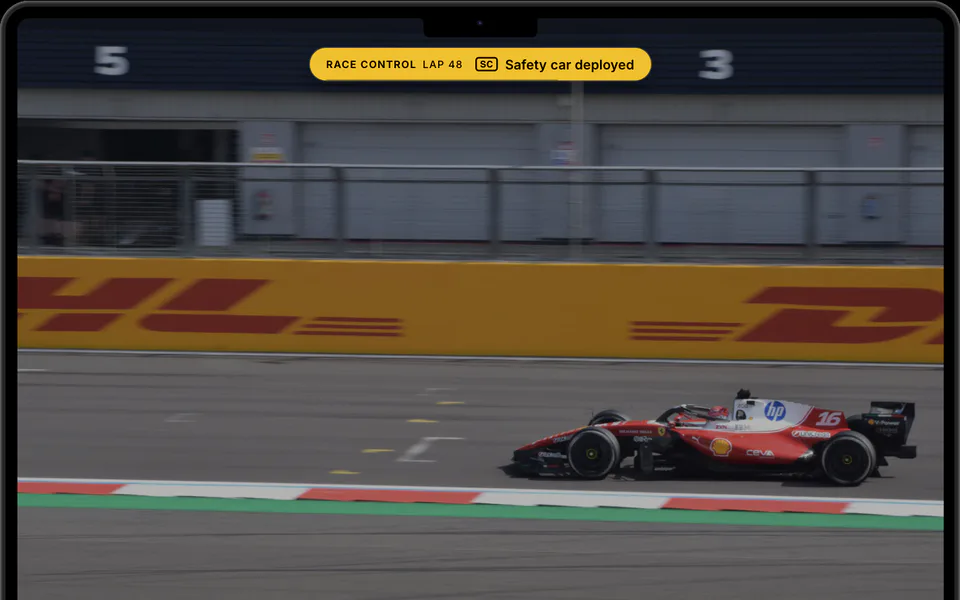
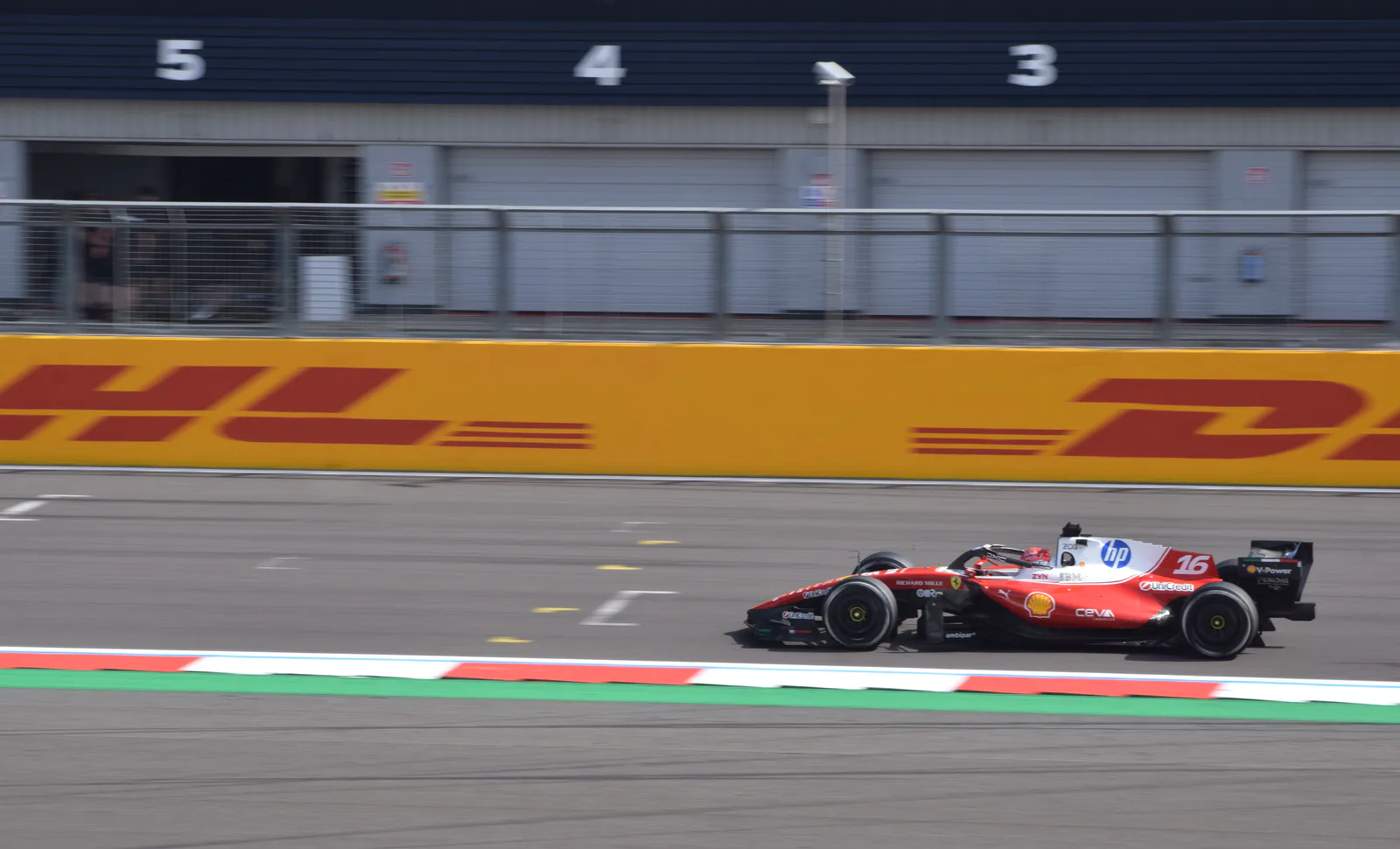
A small pill sits at the top of your screen, over F1 TV full screen or any other app. It shows the driver you follow: place, tyre, the gap to the car behind, last lap. When something happens, it tells you, then goes back.
British Grand Prix · Lap 48
It also tells overtakes, fastest laps, battles, pit windows and penalties.
The map
Every car.
Live, on the track.
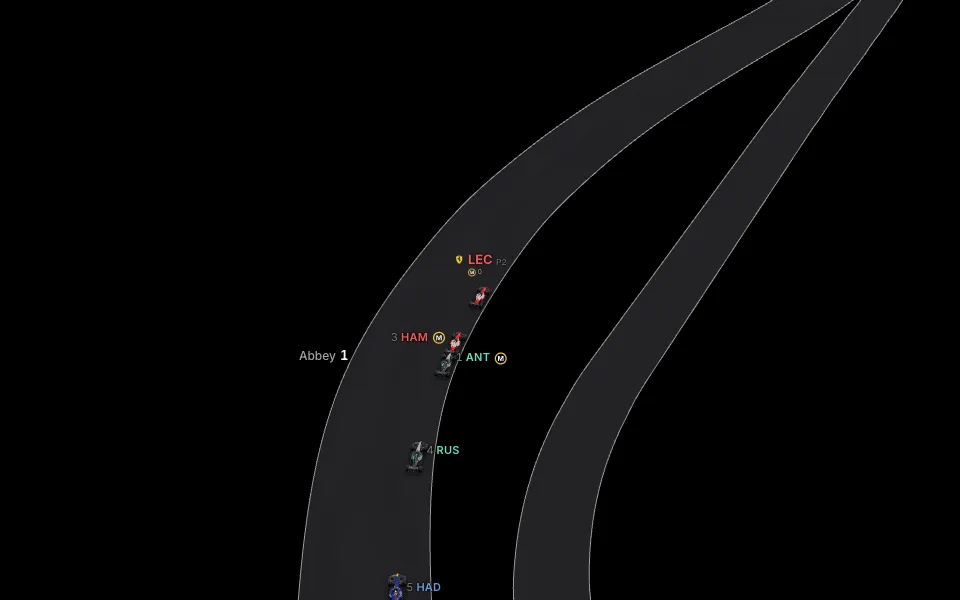
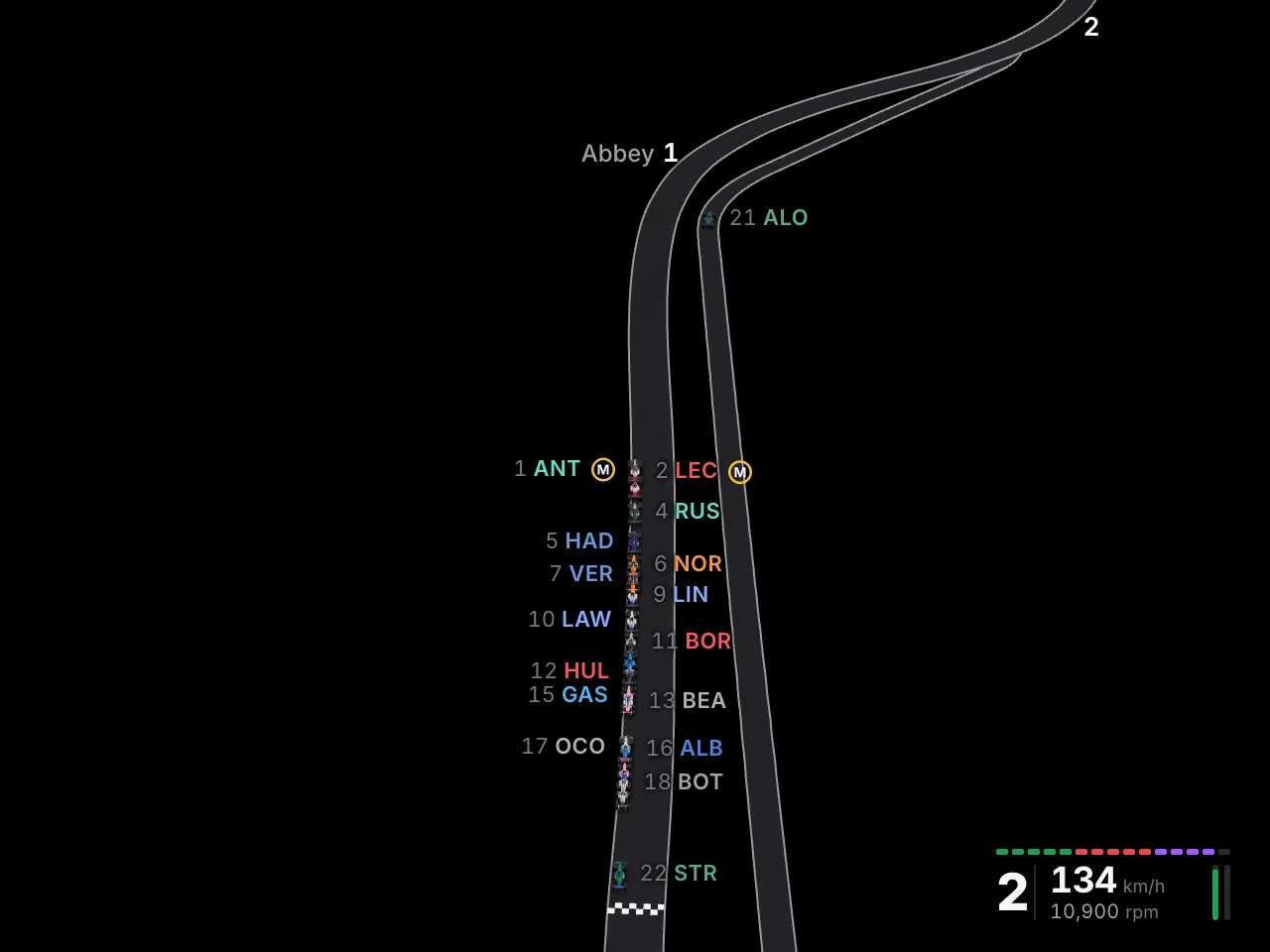
During a session, every car moves on a 3D map of the circuit, where the live timing puts it. You see each car's place and gap, and your driver's speed and gear. Click a car, and the camera follows it.
The pace trail
See where the time goes.
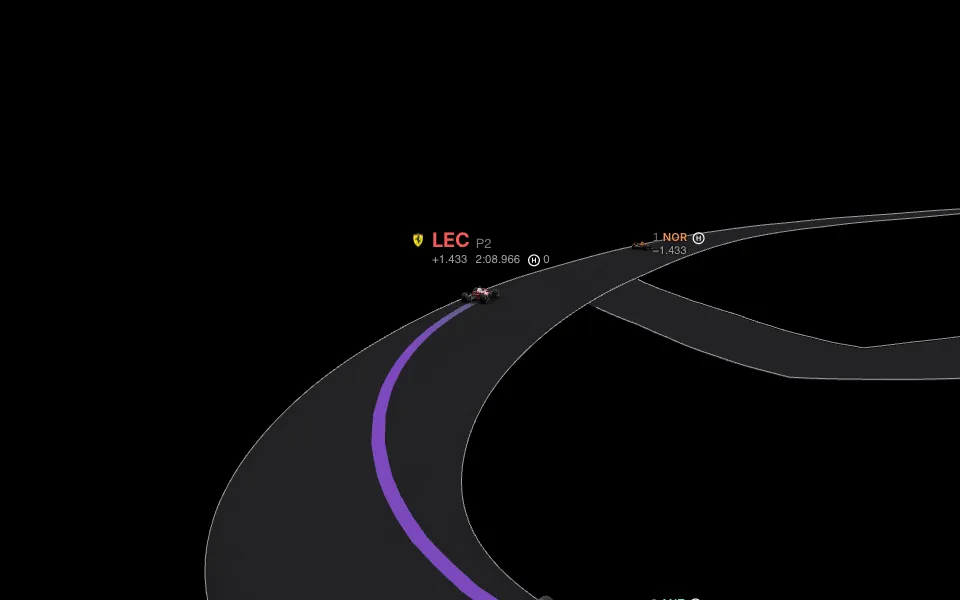
The road behind your driver turns purple where they go faster than anyone's fastest lap, and green where they beat their own best.
- Pace trailTime won and lost, corner by corner.
- The real hillsSpa's climb up Eau Rouge, in 3D. Or see it flat, from above.
- SectorsThe three timed parts of the lap, in colour.
- Straight Mode and overtake pointsWhere the FIA marks them on the road.
The cards
Not just the timing. What it means.
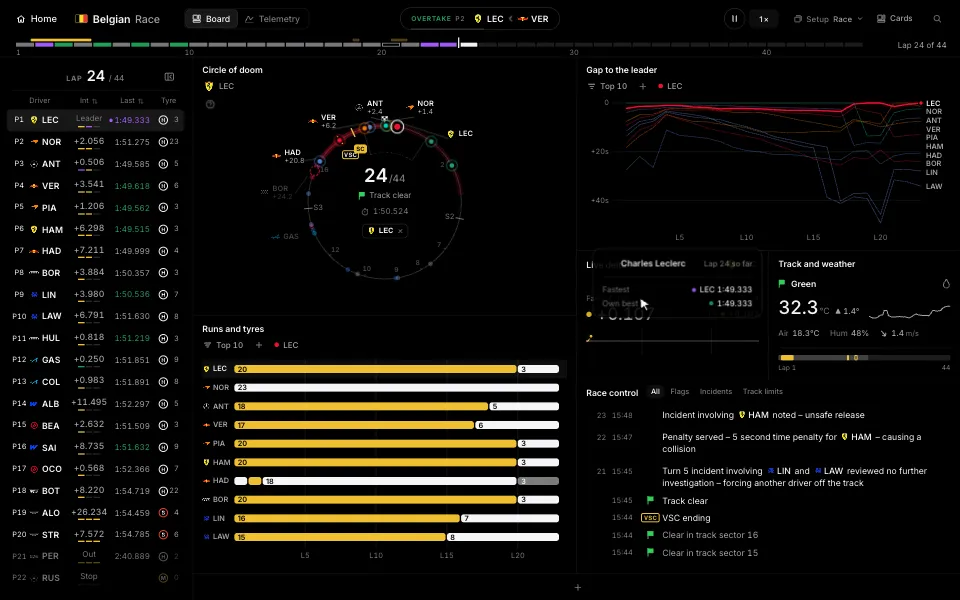
Every car's place, gap, last lap and tyre. Live, to the tenth.
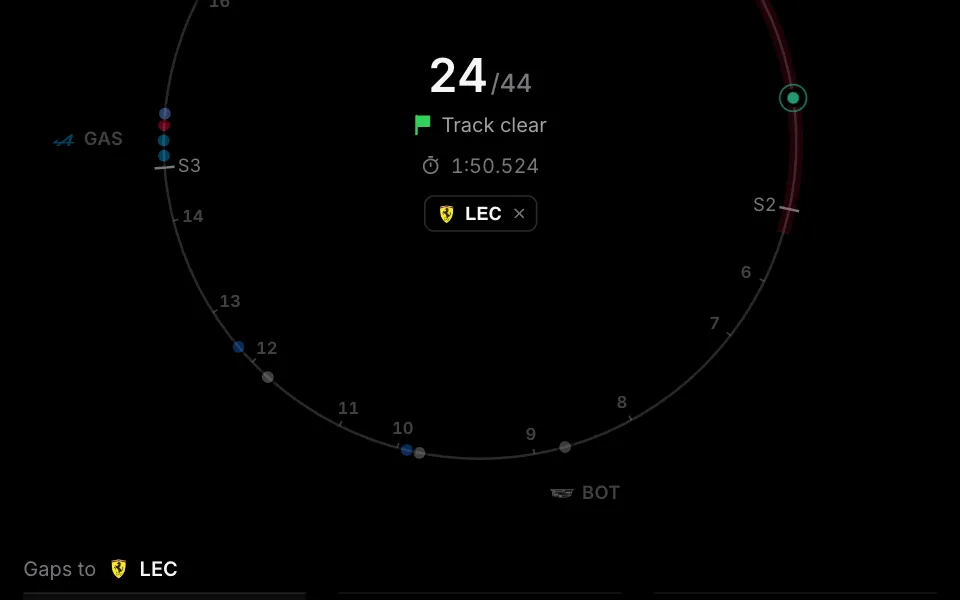
The field on one ring, spaced by time. See where your driver comes out if they pit now.
Every gap, lap by lap. See who closes in and who drops back.
Your driver's lap against the fastest, as they drive it. The line shows the time won or lost.
Every stint, on every compound. See who is on old tyres.
Every lap as a dot. See the pace fall away as the tyres wear.
Long-run pace: each driver's clean laps on one set of tyres, side by side.
Flags, penalties and the stewards' messages, as they come.
Who is fastest in each sector, in qualifying's timing colours.
The speed trap for every car, so you can see who runs less wing.
+4And more: Lap by lap, Team radio, Track and weather, the map.
Your board
Build it your way.
Pick the cards you want and drag them where you want them. Drag the timeline to any lap, and every card goes back with it.
Follow anyone
Click a driver in the tower. The map, the pill and Live delta follow them.
A board for each session
Save one for races and one for qualifying. It opens the right one.
Rewind
Go back to any lap, live or in a replay.
Second screens
Add your phone or tablet.
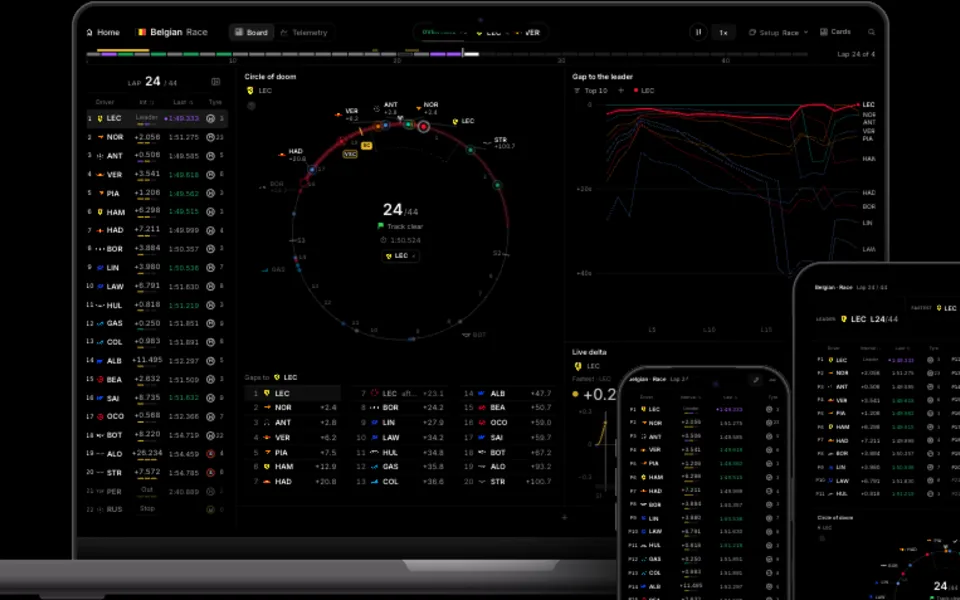
Scan a code with your phone or tablet to pair it with your laptop over your home Wi-Fi. It shows more cards of the same race, at the same moment. There is nothing to install, and it stays paired.
- 1Open Displays
- 2Scan the code
- 3Done
Telemetry
Compare any two laps.
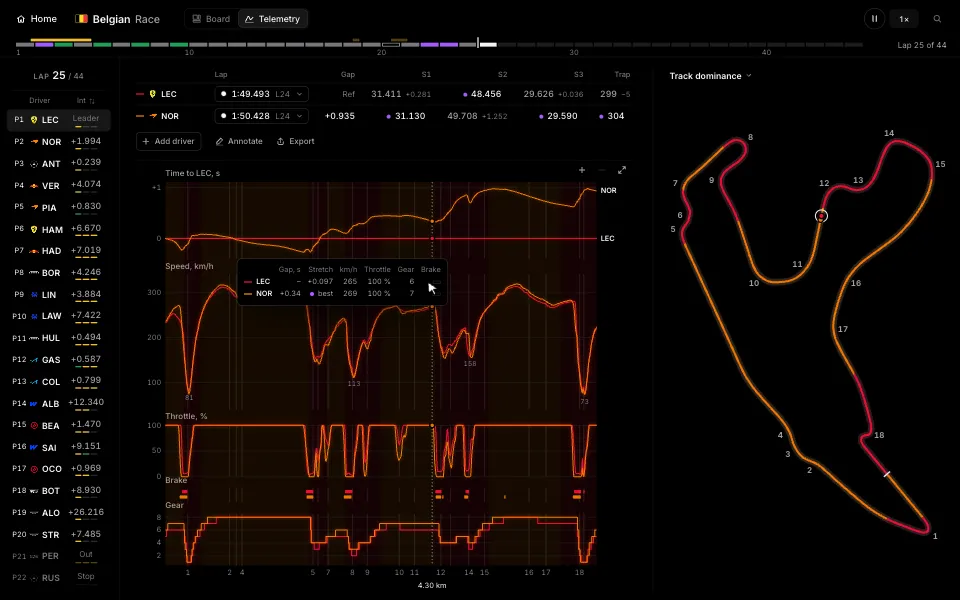
See the speed, throttle, brake and gear of both laps on one chart, and the gap between them all the way round. Hover anywhere on the chart to read every value at that point.
- Pick any driver and any lap
- Circle a corner and add a note
- Save the chart as an image to share
Recaps
The whole race.
In charts.
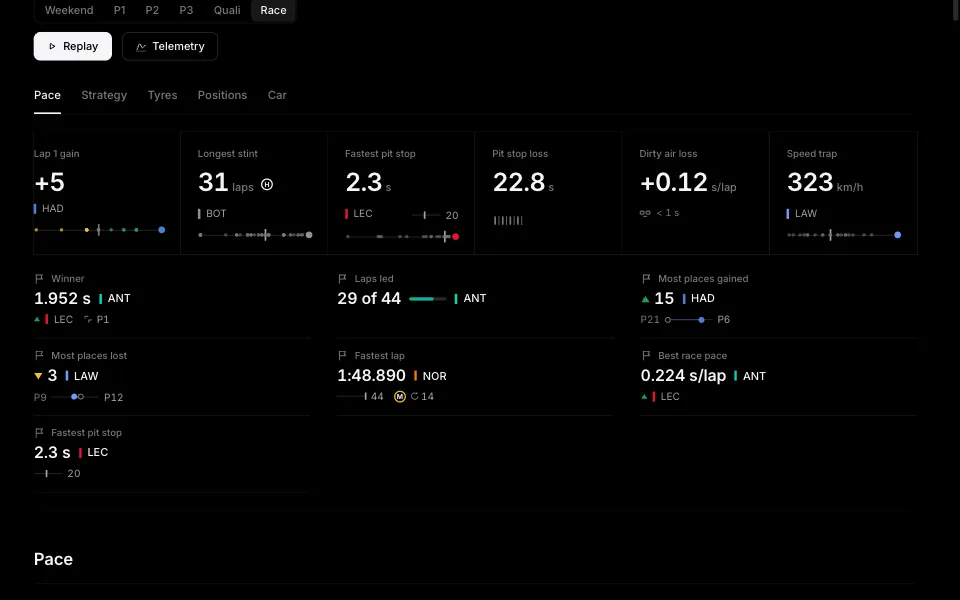
When a session ends, its story is on one page. Who had the pace, how the tyres wore, and where the race was won.
- The race trace and the lap chart
- Stints, pit stops and tyre wear
- Who was fastest where, in mini-sectors
Fast. Light.
Mac and Windows.
- Built in RustA small native app. It keeps up with the live timing and leaves your laptop free for the stream.
- SmoothEvery card and the 3D map move with the race, without a stutter.
- Replays at 20×Go through a whole session from F1's archive in minutes.
- MacmacOS 11 or later
- WindowsWindows 10 or later
Get FormulaDash.
Free for Mac and Windows. Sign in with your F1 TV subscription.